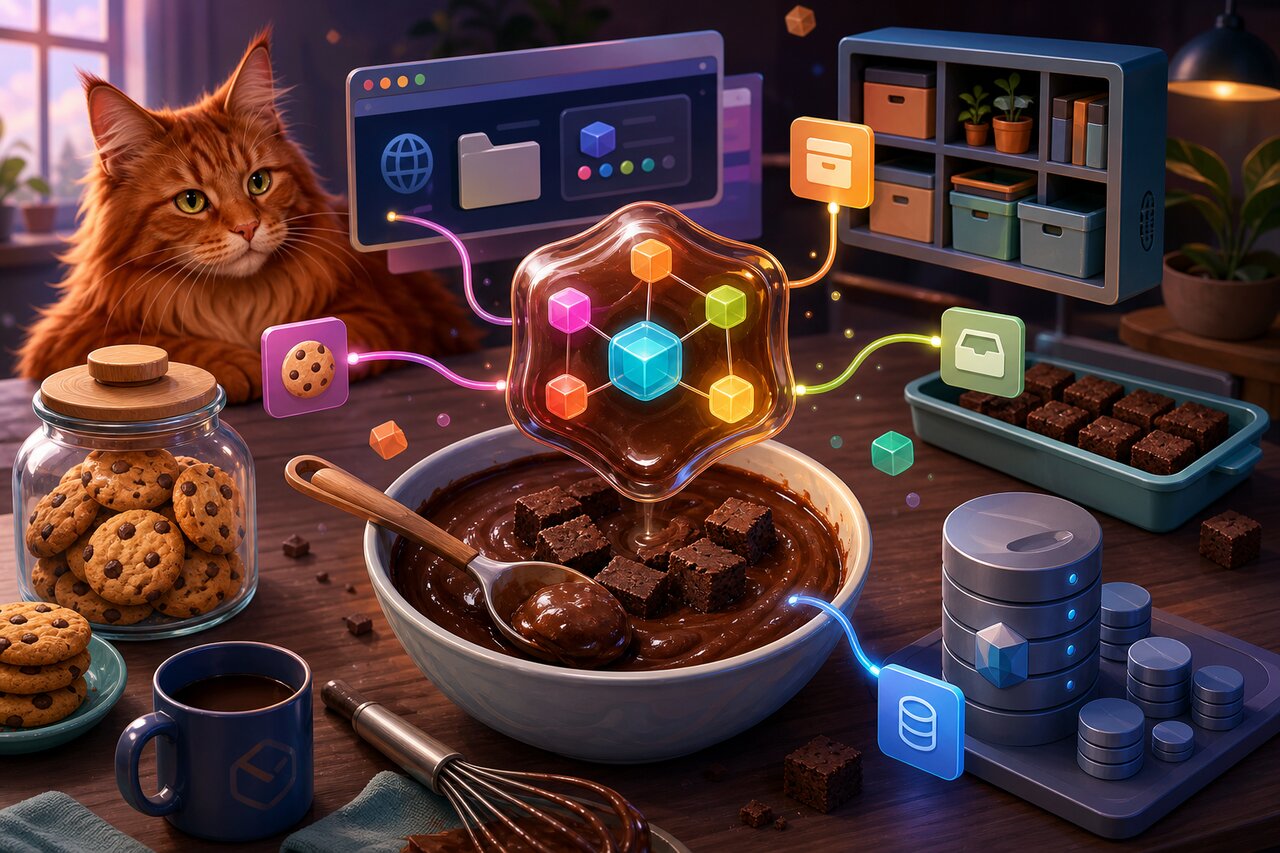

If you have ever written localStorage.setItem('token', JSON.stringify(value)) and then immediately forgotten to JSON.parse it on the way back out, Brownies was made for you. It is a tiny, zero-dependency library that exposes the four main browser storage mechanisms — cookies, localStorage, sessionStorage, and IndexedDB — as ordinary JavaScript objects. You read, write, and delete values with plain object syntax, your data types survive the round trip, and you can subscribe to changes (even across browser tabs) without ever touching the native storage event.
The pitch in one sentence: browser storage as a reactive plain object, with types intact. Whether you are building a vanilla site, a React app, or anything in between, Brownies gives you one consistent mental model instead of four wildly different APIs.
Why Reach for a Spoon
Native browser storage is a mess of inconsistent ergonomics. localStorage and sessionStorage share an API but live in separate worlds. Cookies are a single magic document.cookie string you parse and serialize by hand, complete with expiry math and encoding. IndexedDB is a callback-and-transaction labyrinth. And every one of them stores only strings, so localStorage.x = 42 silently saves the string "42".
Brownies fixes all of that at once:
- Plain-object access for all four storage types via ES6 Proxies — set, get, and
deletelike any object. - Automatic type preservation. Numbers, booleans, strings, arrays, and objects all come back as what you put in.
- A uniform API across
cookies,local,session, anddb. - Change events through
subscribe()andunsubscribe(), including cross-tab detection forlocalStorageand detection of writes made through the native API. - Full iteration support —
Object.keys,Object.values,Object.entries,for...in, andfor...ofall work. - Cookie options (expiry, domain, path, secure) via a special symbol.
- Zero dependencies, a single-digit-KB gzipped bundle, and bundled TypeScript types.
There is a charming bit of history here too. Brownies was once called clean-store, which is why it carries ~2.5k GitHub stars despite modest download numbers — a genuine hidden gem. Version 4.0.1, published in 2026, is a full modernization built with Bun and Rolldown from TypeScript source.
Stocking the Pantry
Install it from npm:
npm install brownies
Or with Yarn:
yarn add brownies
Then import whichever stores you need:
import { cookies, local, session, db } from "brownies";
It also ships as CommonJS and a UMD/CDN global if you would rather drop a script tag onto a page:
<script src="https://cdn.jsdelivr.net/npm/brownies"></script>
<script>
  const { cookies, local } = brownies;
</script>
The First Bite: Storage as Objects
The headline feature is that every store behaves like a normal object. Here is localStorage, but the same syntax applies to cookies and session too:
import { local } from "brownies";

local.token = 42;          // write
const token = local.token; // read
delete local.token;        // remove
No getItem, no setItem, no removeItem. Just assignment, access, and delete.
The quiet magic is type preservation. Native localStorage would turn that 42 into a string, but Brownies serializes with JSON under the hood so your values come back exactly as you stored them:
import { cookies } from "brownies";

cookies.id = 1;
cookies.accepted = true;
cookies.name = "Francisco";
cookies.friends = [3, 5];
cookies.user = { id: 1, accepted: true };

typeof cookies.id;              // "number"
typeof cookies.accepted;        // "boolean"
typeof cookies.name;            // "string"
Array.isArray(cookies.friends); // true
typeof cookies.user;            // "object"
Yes — that includes arrays and nested objects stored in a cookie, parsed and typed for you automatically. One small thing to note: absent or deleted keys return null rather than undefined, a deliberate choice for consistency across stores.
Iterating the Cupboard
Because each store is a real proxy object, the standard iteration helpers behave exactly as you would hope. That makes bulk operations trivial:
import { local } from "brownies";

Object.keys(local);    // every stored key
Object.values(local);  // every stored value, typed
Object.entries(local); // [key, value] pairs

for (const key in local) {
  delete local[key]; // clear everything
}
This is one of those details that disappears into the background until you need it, and then it is a relief that Object.entries simply works on your storage.
Taming IndexedDB
IndexedDB is the worst browser storage API by a wide margin — raw it is a tangle of open requests, version events, transactions, and object stores. Brownies wraps it behind the same object syntax as everything else. The only difference is that, because IndexedDB is asynchronous, reads return promises:
import { db } from "brownies";

db.token = 42;            // set
const t = await db.token; // get — note the await!
delete db.token;          // delete
That is the entire surface area. The worst database API in the browser becomes an await db.key one-liner. The one thing to remember is the asymmetry: cookies, local, and session are synchronous, but db reads are promises. Forgetting an await is the most common stumble, so treat db as the async member of the family.
Reactive Storage: Subscribing to Crumbs
Here is where Brownies pulls ahead of almost every other storage wrapper. Native localStorage has no same-tab change event at all — the built-in storage event only fires in other tabs. Cookies have no change event whatsoever. Brownies gives all four stores a uniform subscription model:
import { session, subscribe } from "brownies";

subscribe(session, "token", (value) => {
  console.log(value); // 42, then "Hello", then null on delete
});

session.token = 42;
session.token = "Hello";
delete session.token;
Even better, subscriptions fire when storage is changed through the native API, and across tabs for localStorage. So another part of your app — or another open tab entirely — can write a value and your callback still notices:
import { local, subscribe } from "brownies";

subscribe(local, "token", (value) => console.log(value)); // "abc"
localStorage.setItem("token", "abc"); // Brownies still picks this up
You can tear a subscription down either by the id it returns or by the original callback reference:
import { cookies, subscribe, unsubscribe } from "brownies";

const id = subscribe(cookies, "token", (token) => console.log(token));
unsubscribe(id);

const cb = (token: unknown) => console.log("NEW TOKEN:", token);
subscribe(cookies, "token", cb);
unsubscribe(cb);
A couple of honest caveats: subscribe cannot guarantee synchronous delivery, so rapid intermediate writes may be coalesced, and a callback may not fire if the final value equals the initial one. Do not rely on seeing every intermediate write. Each subscription also carries some overhead (it diffs to catch native and cross-tab changes), so keep the number of active subscriptions modest.
Baking Brownies Into React
Since Brownies exposes a low-level subscribe/unsubscribe primitive rather than ready-made hooks, wrapping it in your own hook takes about six lines. This is the natural modern pattern: seed state from the store, then re-render whenever the key changes.
import { useEffect, useState } from "react";
import { local, subscribe, unsubscribe } from "brownies";

function usePoints() {
  const [points, setPoints] = useState(local.points);

  useEffect(() => {
    const id = subscribe(local, "points", setPoints);
    return () => unsubscribe(id);
  }, []);

  return points;
}
Now any component that calls usePoints() re-renders automatically when local.points changes — including when a different tab writes to it. Because the underlying store is framework-agnostic, the same subscribe primitive drops just as cleanly into Vue, Svelte, or plain JavaScript.
Seasoning Cookies With Options
Cookies need more than a value — they have expiry, domain, path, and secure flags. Brownies handles these through a special options symbol. The critical detail is that it is a symbol, so you use bracket access with the imported options, never cookies.options:
import { cookies, options } from "brownies";

const https = location.protocol === "https:";

cookies[options] = {
  expires: 100 * 24 * 3600, // seconds until expiry (~100 days)
  domain: false,
  path: "/",
  secure: https,
};
After setting the options, ordinary cookie writes pick up those defaults. One thing worth knowing if other code shares your storage: since version 2, Brownies uses its own serialization format (JSON.stringify then encodeURIComponent). That means a Brownies-written value is not reliably readable through a raw localStorage.getItem() or a hand-parsed cookie — you should read it back through the Brownies API. If you ever need to set a cookie manually that Brownies can read, match the encoding:
document.cookie = `name=${encodeURIComponent(JSON.stringify("Francisco"))}`;
And remember that Brownies does not remove the browser's storage ceilings: cookies are still ~4KB each and sent on every request, while localStorage and sessionStorage cap around 5MB. Storing a giant object in a cookie is still a bad idea, no matter how pleasant the syntax.
Worth the Calories
Brownies is a small library with an outsized quality-of-life payoff. Its real superpower is the unification: cookies, localStorage, sessionStorage, and IndexedDB all behind one consistent object-proxy interface, with types preserved everywhere and a single cross-store subscription model — in a zero-dependency package that weighs almost nothing. No other popular library covers all four storage mechanisms behind one reactive interface.
It is not trying to replace battle-tested specialists. If you only need cookies, js-cookie is more widely deployed; if you only need an ergonomic IndexedDB store, idb-keyval is the standard; and React-only projects have dedicated useLocalStorage hooks. Brownies trades some of that maturity and adoption for breadth and a delightful API, plus the v2 serialization caveat to keep in mind if other code reads your storage directly.
But for the everyday case — you want types to just survive, you want reactive storage without wiring up storage events, and you want one mental model for the whole browser-storage zoo — Brownies is exactly the right kind of small. Bake it in, and your storage code suddenly reads like the rest of your app.