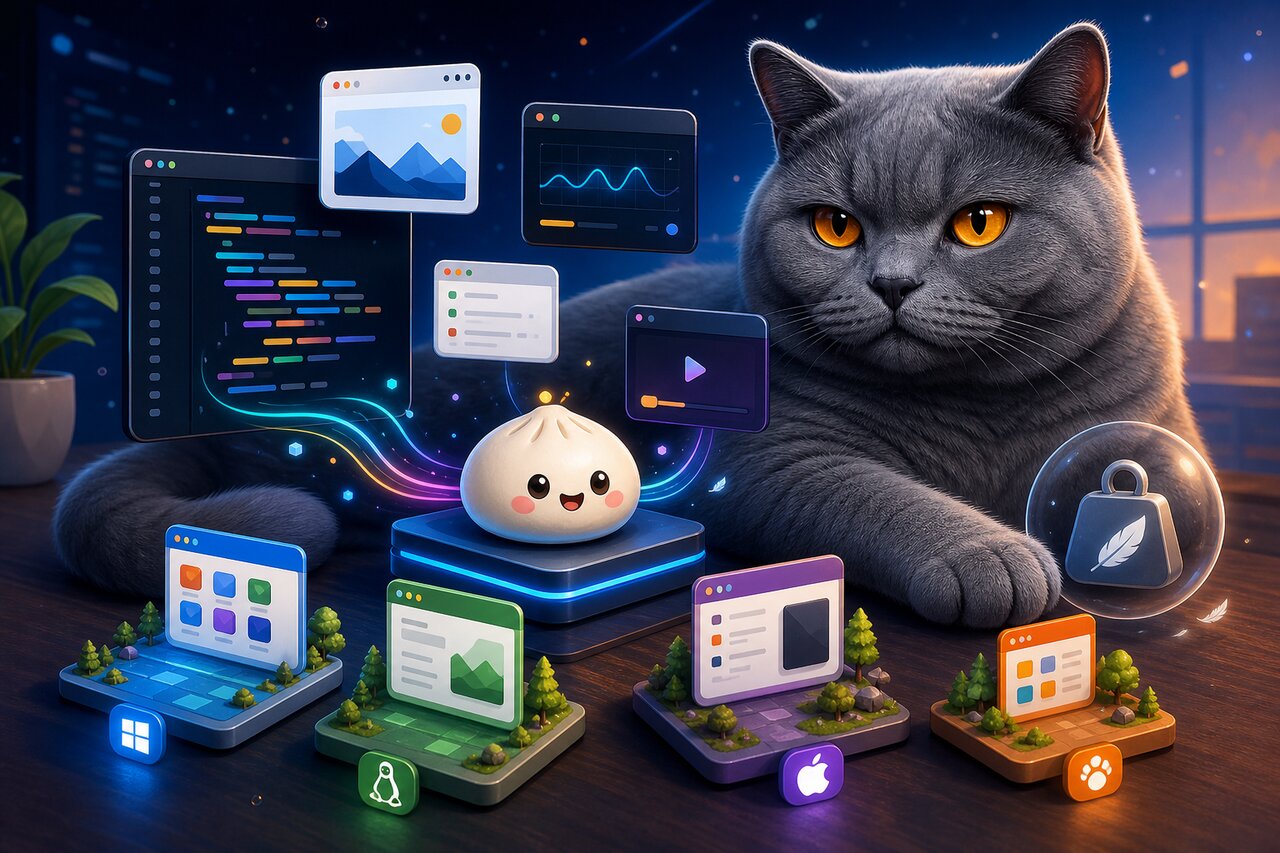

For years, shipping a desktop app with web technology meant one of two compromises. You could reach for Electron and accept that every download bundles a full copy of Chromium and Node, pushing your "hello world" past 80MB before you write a single feature. Or you could pick Tauri, shrink the binary dramatically by using the operating system's own webview, and pay the price of writing your backend in Rust. For a JavaScript or TypeScript team, that second tax can be steep.
Electrobun aims squarely at the gap between them. It keeps the all-TypeScript developer experience that Electron teams love, but gets bundle sizes close to Tauri by running the main process on the Bun runtime and rendering through the system webview by default. On top of that, it bakes in a differential updater, typed RPC, packaging, and code signing, presenting itself as a "solution-in-a-box" for building, updating, and shipping desktop apps. The stated goal is bold: start writing code in five minutes, distribute in ten.
A quick honesty note up front, because it matters for how you adopt it: Electrobun reached its v1 milestone in early 2026 after roughly two years of work, and it is genuinely usable. But it is a young project, effectively driven by a single primary maintainer, with docs that occasionally drift from the code and a handful of platform gaps. It is a strong-vision tool, not a community-governed institution. Keep that in mind as we go.
What Makes It Tick
Electrobun's appeal comes from a few interlocking design choices rather than one headline feature.
- All-TypeScript, top to bottom. The main process and the renderer are both written in TypeScript. There is no second language to learn for the backend.
- System webview by default. On macOS it uses WKWebView, on Windows it uses WebView2, and on Linux it uses WebKit2GTK. Most of your bundle is the Bun runtime, not a browser, which is why apps land around 14MB.
- Bun as runtime and bundler. Bun runs your main process and also bundles your webview TypeScript, so the toolchain stays unified.
- Typed, async RPC. The two processes are isolated and talk over a typed RPC layer, giving you end-to-end type safety across the boundary.
- A built-in differential updater. A Zig-optimized bsdiff implementation ships binary patches between versions that can be as small as a few kilobytes, so users download only the delta.
- Optional escape hatches. Need rendering consistency? Opt into a bundled Chromium. Need raw GPU access? Drive a native WGPU surface straight from Bun, complete with Three.js and Babylon.js adapters.
The mental model is two layers. The main process runs on Bun and owns windows, menus, the tray, and native APIs through an Electron-like surface: BrowserWindow, BrowserView, ContextMenu, ApplicationMenu, and Tray. The renderer is just a webview displaying your HTML, CSS, and JavaScript, and it stays framework-agnostic. Vanilla TypeScript, React, Svelte, Vue, Angular, and Vite all work; Electrobun has no favorite.
Getting It Onto Your Machine
You can scaffold a fresh project from a template, which is the fastest way to see something on screen:
npx electrobun init
That produces a project with an electrobun.config.ts at the root, a Bun main entry, and a views/ folder for your webview, optionally wired up with React or Vue plus Vite.
To add Electrobun to an existing project instead, install the package directly:
# npm
npm add electrobun

# yarn
yarn add electrobun
One prerequisite worth flagging: Electrobun runs on Bun, so you will need it installed. If you intend to build from source rather than consume prebuilt binaries, you will also need the native toolchains for your platform, things like Xcode Command Line Tools on macOS or the GTK and WebKit development packages on Linux.
Putting a Window on Screen
The smallest meaningful Electrobun app is a single window pointed at a webview asset. From the Bun main process, that looks like this:
import { BrowserWindow } from "electrobun/bun";

const win = new BrowserWindow({
  title: "My App",
  url: "views://mainview/index.html",
});
Two details are doing the work here. The import comes from electrobun/bun, which is the main-process surface where all the native APIs live. And the url uses the views:// scheme, which is how Electrobun references your bundled webview assets rather than a remote address. Whatever HTML, CSS, and JavaScript you place in that view becomes your UI, rendered by the operating system's native webview.
Because the front end is just a webview, you are free to drop in any framework you like. A common community setup is React plus Tailwind on Vite, but a plain index.html with a script tag is equally valid. The main process does not care what renders inside the window.
Talking Across the Boundary
A window that only displays static content is rarely the point. The interesting part of any desktop app is letting the UI ask the backend to do things: read a file, hit a native API, kick off a long task. Electrobun handles this with a typed RPC layer rather than a stringly-typed message bus.
You start by declaring a schema type that describes both directions of communication. One section lists handlers that live in the Bun process, another lists handlers that live in the webview, and each can expose requests that return a Promise or fire-and-forget messages that return void:
type MyAppRPC = {
  bun: {
    requests: {
      readConfig: (key: string) => Promise<string>;
    };
    messages: {
      logEvent: (name: string) => void;
    };
  };
  webview: {
    requests: {};
    messages: {
      themeChanged: (theme: "light" | "dark") => void;
    };
  };
};
On the main side, you wire up the handlers with BrowserView.defineRPC. The important ordering rule is that you call this before constructing the window, then pass the result into the window's rpc option:
import { BrowserWindow, BrowserView } from "electrobun/bun";

const rpc = BrowserView.defineRPC<MyAppRPC>({
  handlers: {
    requests: {
      readConfig: async (key) => {
        const file = Bun.file("settings.json");
        const settings = await file.json();
        return settings[key] ?? "";
      },
    },
    messages: {
      logEvent: (name) => {
        console.log("event:", name);
      },
    },
  },
});

const win = new BrowserWindow({
  title: "My App",
  url: "views://mainview/index.html",
  rpc,
});
On the webview side, you mirror that with Electroview.defineRPC and construct a single Electroview instance, passing the rpc object in. From there, calling across the boundary is just rpc.request.readConfig("theme"), fully typed, with the resolved value of your async handler flowing back as the response.
There is one gotcha here that catches people, and it is worth internalizing early. The RPC channel is transported over a local WebSocket that only connects after the webview loads and the preload runs. If you fire rpc.request.* immediately after creating the window, the socket may not be open yet and the call can fail. Wait for the connection to establish before making your first requests.
Shipping Updates That Don't Hurt
This is where Electrobun starts to feel different from the alternatives. Its updater is a first-class part of the framework, not a bolt-on library you assemble yourself.
The core trick is a Zig-optimized bsdiff implementation that computes binary patches between versions. When you publish a new release, returning users do not re-download the whole app; they download only the delta, which the README claims can be as small as a few kilobytes. For the full-download path, Electrobun produces self-extracting bundles compressed with ZSTD. The result is a story tuned for apps that update frequently, which is exactly the kind of app, AI tooling and developer utilities, that dominates Electrobun's early adopter list.
Two honest caveats temper the excitement. First, patching is sequential: a user who skips several versions in a row does not chain intermediate patches but instead downloads the full latest release. Second, those headline sizes are best-case marketing figures. A hands-on review measured a compressed hello-world download closer to 30MB without a bundled browser, and noted the on-disk footprint after extraction is larger because of the Bun runtime. Electrobun is dramatically smaller than Electron, but on disk it is still bigger than a comparable Tauri app. The win versus Electron is real; the win versus Tauri is "almost as small, and entirely TypeScript."
When You Need More Than a Webview
Two opt-in features expand what Electrobun can do beyond the standard system-webview app.
If you need pixel-for-pixel rendering consistency across machines and OS versions, the bundleCEF flag bundles and pins Chromium Embedded Framework. This trades the tiny bundle for Electron-style consistency, and the key thing is that it is opt-in rather than the default. You only pay the size cost when you actually need the guarantee.
At the other extreme, the bundleWGPU flag lets you drive a native GPU surface directly from Bun TypeScript, with no webview involved at all. It ships with Three.js and Babylon.js adapters that run right in Bun, which is how the project's showcase manages to run DOOM two different ways, once as a C port and once as a full TypeScript port, both rendering through bundled WGPU. For most apps you will never touch this, but it is a genuinely unusual capability for a TypeScript desktop framework. Custom elements like <electrobun-webview> and <electrobun-wgpu> let you composite out-of-process iframes and native GPU surfaces into a single UI.
Knowing the Rough Edges
Adopting a young framework means going in with clear eyes, so here is the honest ledger. ApplicationMenu is not supported on Linux, and the Tray API does not yet offer toast or pop-up notifications. Documentation sometimes lags behind the actual code, so verifying newer APIs against the source is wise. Governance is the big one: the maintainer has stated plainly that issues and PRs may go unreviewed by design, the project "optimizing for focus and execution." That is a reasonable stance for a solo-driven tool, but it means you should plan around it rather than assume community support. The beta channel moves fast, so pin your versions for production builds.
Officially, Electrobun supports macOS 14+, Windows 11+, and Ubuntu 22.04+, with other Linux distributions covered on a community basis.
Should You Reach for It?
Electrobun is a confident, opinionated answer to a real frustration: web-tech desktop apps that are too big and too painful to update. It delivers genuinely small bundles, a delightful all-TypeScript workflow on top of Bun, and an integrated differential updater that most frameworks make you build yourself. The WGPU and 3D story is a fun bonus that nothing else in this space really offers.
It is a strong fit when your team is JavaScript-first, you want a small and frequently-updated app, and you do not need deep cross-version browser consistency out of the box. It is a riskier bet when you need a large ecosystem, broad platform guarantees, or the assurance of community-governed maintenance. If that describes you, Electron's maturity or Tauri's track record may still win. But if you have been waiting for a way to ship tiny desktop apps without leaving TypeScript or learning Rust, Electrobun is well worth a serious look, just version-pin it and keep an eye on the docs.