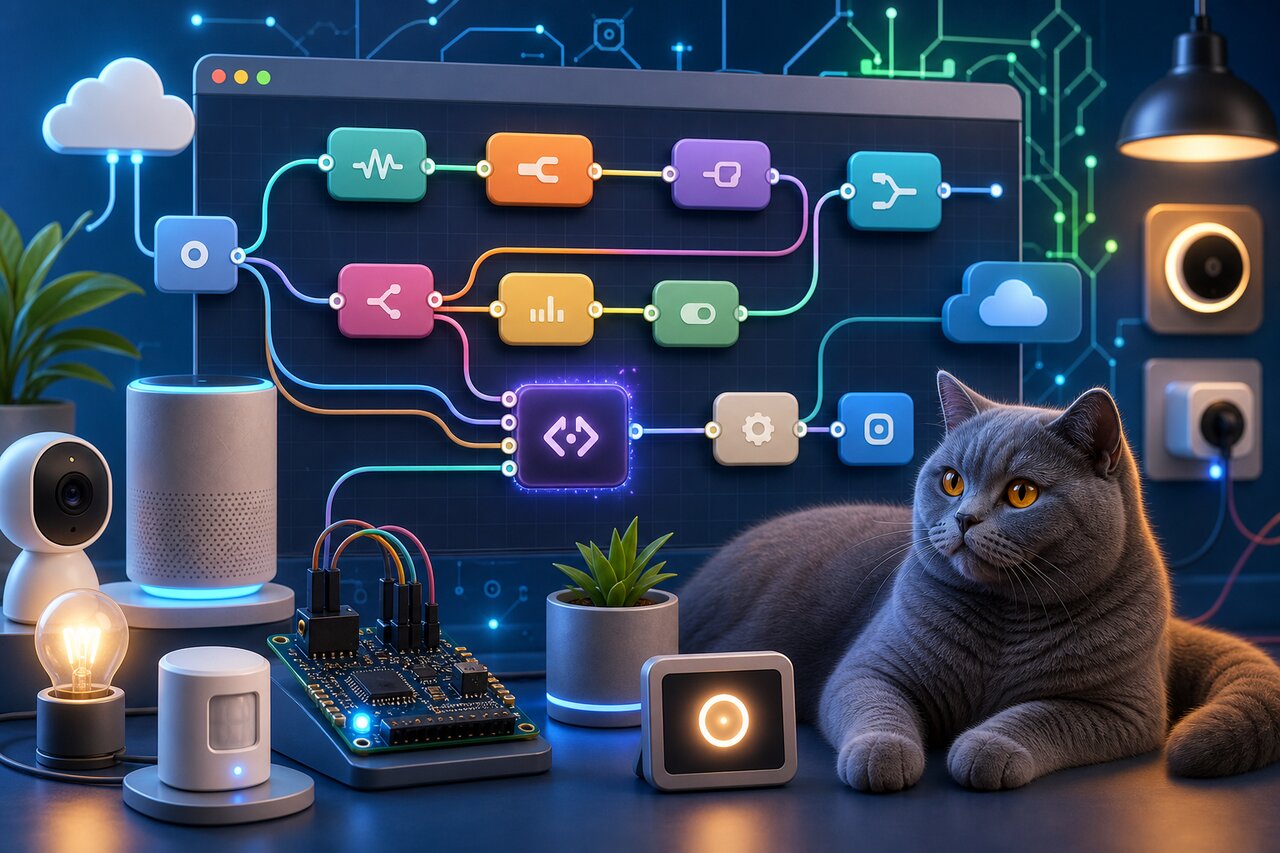

If you have ever wanted to connect a temperature sensor to a chat notification, or turn an incoming webhook into a database write without spinning up a whole backend project, Node-RED is the tool that makes it feel like wiring a few boxes together. It is a flow-based, low-code programming environment built on Node.js where you drag "nodes" onto a canvas, wire them up, and watch messages flow between them. Originally created at IBM back in 2013 and now governed by the OpenJS Foundation, it has become the de-facto standard for IoT prototyping, home automation, and edge integration.
The pitch is simple: each node does one small job, and a JavaScript message object travels along the wires between them. You build programs visually in a browser-based editor, but underneath it is all Node.js, so when the visual blocks run out you can always drop into real code. That combination of approachable canvas and genuine programmability is why both hobbyists on a Raspberry Pi and industrial gateways from Siemens and Hitachi run the same node-red package.
Why People Reach for Node-RED
Node-RED occupies a sweet spot between no-code SaaS tools and writing everything from scratch. A few things make it stand out:
- A browser-based flow editor. You wire nodes together on a canvas at
http://localhost:1880. No build step, no redeploy, just deploy the flow and it runs. - A massive node library. The official Node-RED Library hosts over 4,000 community-contributed nodes for MQTT, Modbus, Home Assistant, Telegram, Discord, databases, dashboards, and just about every protocol you can name.
- Deep protocol and hardware support. This is the IoT and industrial strength of the tool: it talks to sensors, PLCs, GPIO pins, and message brokers natively.
- A real escape hatch. The Function node lets you write arbitrary JavaScript when no existing node fits, so you are never boxed in by the visual paradigm.
- True open source. It is Apache-2.0 licensed and runs entirely on your own machine, container, or edge device. No cloud account required.
Where a tool like n8n leans toward SaaS and business workflow automation, Node-RED leans toward devices, protocols, and the edge, with twelve-plus years of maturity behind it.
Getting It Running
Node-RED is a server application rather than a dependency you import into a frontend project, so the usual way to install it is as a global CLI tool:
npm install -g --unsafe-perm node-red
If you prefer yarn for the global install:
yarn global add node-red
Then start it from anywhere:
node-red
Open http://localhost:1880 in your browser and you will land in the editor, ready to drag your first node. Many people run it in Docker instead, which keeps your flows and config tidy in a named volume:
docker run -it -p 1880:1880 -v node_red_data:/data --name mynodered nodered/node-red
One important note for the 5.0 release: Node-RED 5.0 requires Node.js 22.9 or later (Node.js 24 is recommended). If you are still on Node 18 or 20, you will need to either upgrade your runtime or stay on the 4.x line.
Your First Flow
The classic starting point is wiring an inject node into a debug node. The inject node fires a message on a schedule or when you click its button, and the debug node prints whatever arrives. Every message in Node-RED is a plain JavaScript object, and by convention the interesting data lives on msg.payload.
While you build flows visually, they are stored as JSON in a flows.json file, which means you can read, share, and version them. A minimal flow of inject wired to debug looks like this when exported:
// flows.json (an array of node definitions)
const flow = [
  {
    id: "inject1",
    type: "inject",
    name: "Every 5 seconds",
    repeat: "5",
    payload: "Hello from Node-RED",
    payloadType: "str",
    wires: [["debug1"]] // the output wire points to debug1
  },
  {
    id: "debug1",
    type: "debug",
    name: "Print it",
    active: true,
    complete: "payload",
    wires: []
  }
];
The wires array is the heart of it: each entry lists the node IDs that this node's output connects to. Deploy the flow with the big red Deploy button, and the debug sidebar starts printing "Hello from Node-RED" every five seconds. You rarely write this JSON by hand; you drag and connect in the editor and Node-RED produces it for you. But seeing the shape underneath helps you understand what the canvas is really doing.
Reshaping Messages with Core Nodes
Most flows are about transforming a message as it travels. Two of the most-used built-in nodes are change and switch. The change node edits properties on the msg object without code, and the switch node routes a message down different wires based on its contents.
Imagine an HTTP endpoint that receives a sensor reading and you want to flag anything over a threshold. You might wire an http in node into a switch node configured with two rules: one for msg.payload.temp > 30 and one for everything else. The switch node has two outputs, and the message leaves through whichever output matches first.
// A switch node's routing rules, expressed conceptually
const switchRules = [
  { property: "payload.temp", operator: "gt", value: 30 },  // output 1: too hot
  { operator: "else" }                                       // output 2: fine
];
The first output might wire into a notification node, and the second into a logging node. Because each output is just another wire, you compose behavior by branching the canvas rather than nesting if-statements. This is the part of flow-based programming that clicks for people: control flow becomes spatial.
Dropping into JavaScript with the Function Node
Sooner or later you need logic that no existing node provides, and that is what the Function node is for. It hands you the incoming msg, lets you write whatever JavaScript you like in an embedded Monaco editor (the same editor that powers VS Code), and expects you to return msg; so the message continues downstream.
// Inside a Function node: normalize and enrich an incoming reading
const reading = msg.payload;

msg.payload = {
  celsius: reading.temp,
  fahrenheit: reading.temp * 1.8 + 32,
  receivedAt: new Date().toISOString(),
  isHot: reading.temp > 30
};

return msg;
You can also return an array to send messages out of multiple outputs, or return null to stop a message in its tracks. The Function node has access to flow and global context for storing state between invocations, plus helpers like node.warn() and node.error() for logging and triggering catch flows. It is the bridge between the visual world and ordinary Node.js, and it is what makes Node-RED feel like a tool programmers can actually trust rather than a closed no-code box.
Talking to the Real World over MQTT
The reason Node-RED shows up on so many Raspberry Pis and industrial gateways is its protocol support, and MQTT is the workhorse of IoT messaging. The mqtt in and mqtt out nodes subscribe to and publish on broker topics, so a sensor publishing readings becomes a flow trigger with zero glue code.
A typical home-automation flow subscribes to a topic, transforms the payload, and publishes a command back:
// Conceptual shape of an MQTT-driven flow
const mqttFlow = [
  { type: "mqtt in",  topic: "home/livingroom/temperature", wires: [["fn"]] },
  { id: "fn", type: "function", wires: [["mqtt out"]] },
  { type: "mqtt out", topic: "home/livingroom/fan/set" }
];
The Function node in the middle decides whether to turn the fan on based on the temperature, then publishes the command. Swap the MQTT nodes for Modbus, OPC-UA, or HTTP nodes and the same pattern covers industrial sensors, REST APIs, and webhooks. The shape of the flow stays the same; only the endpoints change.
What's New in 5.0
Node-RED 5.0, released in June 2026, is described by the project as the biggest change to the editor experience in its history. The headline items are worth knowing:
- A redesigned editor. The sidebar now supports split panels and draggable panes, the workspace pan and zoom got reworked with better touch support, and there is a brand-new dark theme alongside a refreshed light theme.
- Quality-of-life node features. The
delaynode gained a burst mode, the debug sidebar has a pause button, and there is improved node status and junction visibility on the canvas. - Security and TLS upgrades. You can now pull TLS certificates and keys from environment variables, use PFX/P12 files, and the default admin CORS rules were removed for tighter security. That last one is a potential breaking change if your setup relied on the old defaults.
- Modern tooling. Grunt was replaced with newer build tooling, ESLint was introduced for code quality, the embedded Monaco editor was updated, and there is now support for installing nodes written as ES modules.
There is also a round of accessibility work for WCAG compliance, covering focus indicators, accessible button names, and color contrast. Combined with the Node.js 22.9+ requirement, 5.0 is a genuine modernization rather than a routine point release.
Wrapping Up
Node-RED earns its longevity by being two things at once: an approachable visual canvas that non-traditional developers can pick up in an afternoon, and a genuine Node.js runtime that programmers can extend without limits. You wire nodes for the common cases, drop into a Function node when you need real logic, and lean on a library of thousands of community nodes for everything from MQTT to Discord. With the 5.0 release sharpening the editor and tightening security, it remains the mature, truly open choice for anyone wiring together devices, protocols, and APIs, whether that is a single sensor on a Raspberry Pi or a fleet of gateways at the edge. If you have an event-driven idea and do not want the ceremony of a full backend, it is hard to beat dragging a few boxes onto a canvas and clicking Deploy.