
Sooner or later, almost every app needs a way to pick a color. A label gets a tag color, a calendar event gets a category, a drawing tool needs a brush, a theme editor needs an accent. The web platform gives you <input type="color">, which is functional and ugly and behaves differently in every browser. So most teams reach for a component library, and for years that meant the original react-color package. It was great. It also stopped seeing meaningful updates, ships a heavier bundle than it should, and predates the hooks-and-TypeScript conventions we now take for granted.
@uiw/react-color is the answer to that gap. It is a collection of color picker widgets for React, built by the same prolific team behind @uiw/react-md-editor and @uiw/react-codemirror. It rebuilds the familiar picker styles, like Sketch, Chrome, GitHub, and Material, as small modern components, adds new ones like Colorful and Wheel, and ships them as roughly twenty independently installable packages. You can grab the whole catalog from one meta-package or cherry-pick a single tiny picker. Think of it as the variety pack: one library, a dozen ready-made pickers, plus the raw building blocks to assemble your own.
What You Get in the Box
The library splits cleanly into three layers, and understanding that split is most of the battle.
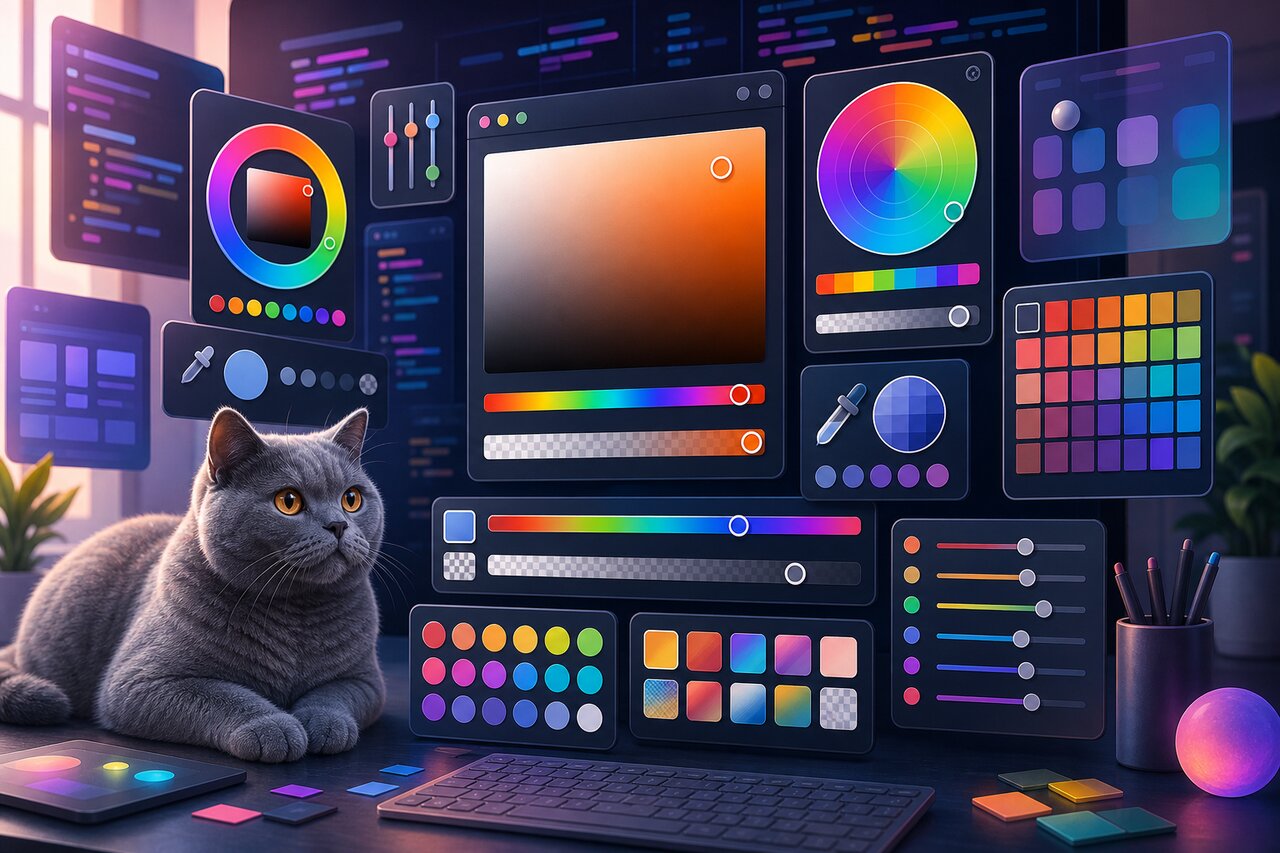
First, the full pickers are drop-in panels you can render immediately. Sketch is the classic Photoshop-style picker with a saturation square, hue and alpha sliders, hex and RGB inputs, and preset swatches. Chrome mimics the Chrome DevTools picker and, as of version 2.10.3, supports a horizontal layout. GitHub is the small arrow-topped swatch popover you have seen on issue labels. Material, Compact, and Block each bring their own personality, while Circle lays out a row of circular swatches for curated palettes. Colorful is a compact modern saturation-hue-alpha picker, and Wheel gives you a circular color wheel.
Second, the base components are the parts those pickers are made of: Saturation (the draggable square), Hue, Alpha, and ShadeSlider, plus editable text inputs in hex, RGBA, and HSLA flavors. Compose these and you can build a picker that looks nothing like any of the presets.
Third, the conversion utilities in @uiw/color-convert handle the math: turning HSVA into hex, RGBA, HSLA, and back. Internally every component speaks HSVA (hue, saturation, value, alpha), because that is the model the draggable squares map onto most naturally.
The whole thing is TypeScript-first, dependency-light (its only real runtime companion is @babel/runtime), and tree-shakeable, so you only pay for the pickers you actually import.
Getting It Installed
Install the meta-package to get everything from a single import:
npm install @uiw/react-color
yarn add @uiw/react-color
If you only need one picker and want the absolute smallest footprint, install just that sub-package instead. The two approaches are interchangeable in spirit, the import path is the only difference:
npm install @uiw/react-color-sketch
Dropping In Your First Picker
The full pickers follow a controlled-component model that will feel instantly familiar. You give them a color prop and an onChange handler, and they hand you back a rich result object.
import { useState } from 'react';
import { Sketch } from '@uiw/react-color';

function BrushColor() {
  const [hex, setHex] = useState('#3b82f6');

  return (
    <Sketch
      color={hex}
      onChange={(color) => {
        setHex(color.hex);
      }}
    />
  );
}
The onChange callback receives a single result object packed with every representation you might want: color.hex, color.hexa, color.rgb, color.rgba, color.hsl, color.hsla, color.hsv, and color.hsva. That means you never have to convert formats by hand. Need the value for a CSS variable? Use color.hex. Storing opacity in a database as separate channels? Reach for color.rgba. The color prop is equally flexible on the way in, accepting either a hex string or an HSVA or RGBA object.
Swapping the picker style is a one-word change. Want the Chrome look instead? Import Chrome and render it the same way. The shared API across the full pickers is one of the nicest things about the library, you can prototype with one style and switch later without touching your handler logic.
Picking From a Curated Palette
Freeform pickers are overkill when you only want users choosing from a fixed set, like brand colors or a tag palette. For that, reach for the swatch-style components. They take a colors array and report which one was chosen.
import { useState } from 'react';
import { Circle } from '@uiw/react-color';

const TAG_COLORS = ['#f87171', '#fbbf24', '#34d399', '#60a5fa', '#a78bfa'];

function TagColorPicker() {
  const [hex, setHex] = useState(TAG_COLORS[0]);

  return (
    <Circle
      colors={TAG_COLORS}
      color={hex}
      onChange={(color) => setHex(color.hex)}
    />
  );
}
Circle renders the palette as circular chips; swap it for Compact to get a tidy grid, or Block for a single large preview with swatches beneath it. The lowest-level option here is Swatch, which simply renders whatever set of colors you hand it and lets you fully control the rendering. Curated selection like this is exactly where a chunky freeform picker would be the wrong tool, and @uiw/react-color gives you purpose-built components instead of forcing you to bend a Sketch panel into a palette.
Building a Picker That Is Entirely Yours
This is where the modular design pays off. The base components are HSVA-driven rather than result-driven: each one takes an hsva prop and an onChange that returns just the channels it changed, which you merge back into your own state. Compose a few of them and you have a custom picker.
import { useState } from 'react';
import { Saturation, Hue, Alpha } from '@uiw/react-color';
import { hsvaToHexa } from '@uiw/color-convert';

function CustomPicker() {
  const [hsva, setHsva] = useState({ h: 214, s: 70, v: 90, a: 1 });

  return (
    <div style={{ width: 240 }}>
      <Saturation
        hsva={hsva}
        onChange={(newColor) => setHsva({ ...hsva, ...newColor, a: hsva.a })}
      />
      <Hue
        hue={hsva.h}
        onChange={(newHue) => setHsva({ ...hsva, ...newHue })}
      />
      <Alpha
        hsva={hsva}
        onChange={(newAlpha) => setHsva({ ...hsva, ...newAlpha })}
      />
      <div style={{ marginTop: 8, fontFamily: 'monospace' }}>
        {hsvaToHexa(hsva)}
      </div>
    </div>
  );
}
Because everything funnels through one hsva state object and the @uiw/color-convert helpers, you stay in complete control of layout, spacing, and which channels you even expose. Drop the Alpha slider if you do not need transparency. Add an EditableInputRGBA if your users prefer typing numbers. The Wheel component slots in the same way, taking a color of hsva and returning the changed channels through its onChange.
The library also exposes the underlying drag handler, @uiw/react-drag-event-interactive, the same primitive the sliders and squares are built on. If you are building something genuinely novel, like a draggable gradient editor, that low-level piece is reusable on its own.
Theming and Dark Mode
Styling is done entirely through CSS custom properties, with no JavaScript theme prop to wire up. Each component exposes a set of variables prefixed by its name, so you override the look in plain CSS. That keeps the runtime cost at zero and works regardless of whether you use Tailwind, CSS modules, or styled-components.
Dark mode is the headline use case, and it is just a matter of redefining those variables under a selector. The library is designed around a data-color-mode attribute on a parent element:
[data-color-mode*='dark'] .w-color-sketch {
  --sketch-background: #323232 !important;
}

[data-color-mode*='dark'] .w-color-editable-input {
  --editable-input-label-color: #757575 !important;
  --editable-input-box-shadow: #616161 0px 0px 0px 1px inset !important;
  --editable-input-color: #bbb !important;
}

[data-color-mode*='dark'] .w-color-github {
  --github-background-color: #323232 !important;
  --github-arrow-border-color: rgba(0, 0, 0, 0.15) !important;
}
Toggle data-color-mode="dark" on a wrapping element and every picker inside flips to its dark palette. Each full picker also accepts standard style and className props for one-off layout tweaks, so you can nudge widths and margins without fighting the variable system.
How It Stacks Up
It is worth being honest about where this library fits. If your only requirement is a single, minimal, freeform picker and you want the smallest possible bundle, the standalone react-colorful is hard to beat at a few kilobytes gzipped, and @uiw/react-color even ships its own analog of it as the Colorful component. The original react-color still defined this whole category, but it is effectively unmaintained today and carries the weight to show for it.
Where @uiw/react-color wins is variety and modernity. You want several picker styles, or a mix of freeform and curated-palette pickers, or the freedom to compose a custom one, all with current TypeScript types and proper tree-shaking, and without inheriting a stale dependency. At a few hundred stars but well over a hundred thousand weekly downloads, with roughly monthly releases, it is quietly doing a lot of work in a lot of apps.
Wrapping Up
@uiw/react-color solves a deceptively fiddly problem with refreshing flexibility. Reach for a full picker when you want something polished and instant, lean on the swatch components when users should choose from a fixed palette, and assemble the base components when nothing off the shelf fits. The shared controlled-component API means switching styles is nearly free, the HSVA-and-convert model keeps custom builds sane, and CSS-variable theming makes dark mode a few lines of stylesheet rather than a prop-drilling exercise. If you have been limping along with <input type="color"> or carrying the old react-color out of habit, this is the modern variety pack worth switching to.